Friday, 30 November 2018

Testing QR Codes

Once I'd created all the QR codes, we knew we had to test them. To do so, we downloaded two third-party barcode readers (one Android and one Apple) and tested where it lead us. You can see a video of this below...


After we'd confirmed that the codes worked correctly, I started inputting them into the pages. Due to what I learnt in my research about QR conventions and rules, I picked the positioning, size and background of the codes very carefully. You can see a video of us testing a code on our most complex background below...


QR Codes

I spent a good few hours creating the QR codes necessary for our site. I had to go between two different sites, as the first decided to stop working on certain URLs. Below, you can see all of our QR codes collected...

Intro:


Egyptian:


Middle Ages:


Impressionism:


Cubism:


Surrealism:


Modern:


Finale:


Cover and Masthead Initial Ideas

One of the most important parts of a comic is the cover. This is what potentially convinces someone to read a book or not. This week I started having a bit of a play around with cover and masthead/logo ideas, based around some of Katy's artwork.

Here were the first few variations I came up with...


While I do quite like the balance of some of these designs, I think with a background as complex as the one Katy and I have chosen, things get lost very easily. To try to combat this, I added a red shadow and drew a yellow bubble around that. This worked for the main text, but the subtitle still got lost. You can see in the second two options that I tried to work around this by adding some yellow airbrush behind it, but still, it didn't work perfectly.

Monday, 19 November 2018

QR Code Requirements

Now we're in the position to insert the QR codes into our book, we needed to see the conventions and rules of using QR. With the codes being within the art, we don't want them looking too stark and ugly against the nice background. So I did a little research (casually referenced in the 'Useful Links' post)...

Rules of Using a QR Codes:-
- Colours can be changed up, as long at the colour of the code is dramatically darker than the background.
- Colours don't have to be consistent - can be a gradient.
- Smallest a QR code can be readable by an app is about 1cm x 1cm.
- Most QR code readers can handle up to 30% of a code being damaged or blurred.

An example of an edited QR code:


App Building - SUCCESS!

I went back to appypie after my flawed attempt before and powered through all the awkwardness of the builder to muddle something basic together. Also, had to ignore the limited font selection and just choose Comic Sans (despite hating this font and thinking it's overused, I do appreciate that it's probably okay to use it on something so kid-orientated).

For this, I had to mess with one of Katy's drawings to make a basic background.


Once I had a a few based made, I spent a couple of hours editing colours, fonts, styles and content.

These are the final pages I managed to compile. There were a few elements that weren't editable for some reason (like the font of the main page content)...


App Building - Exploring More Options (More Failed Attempts)

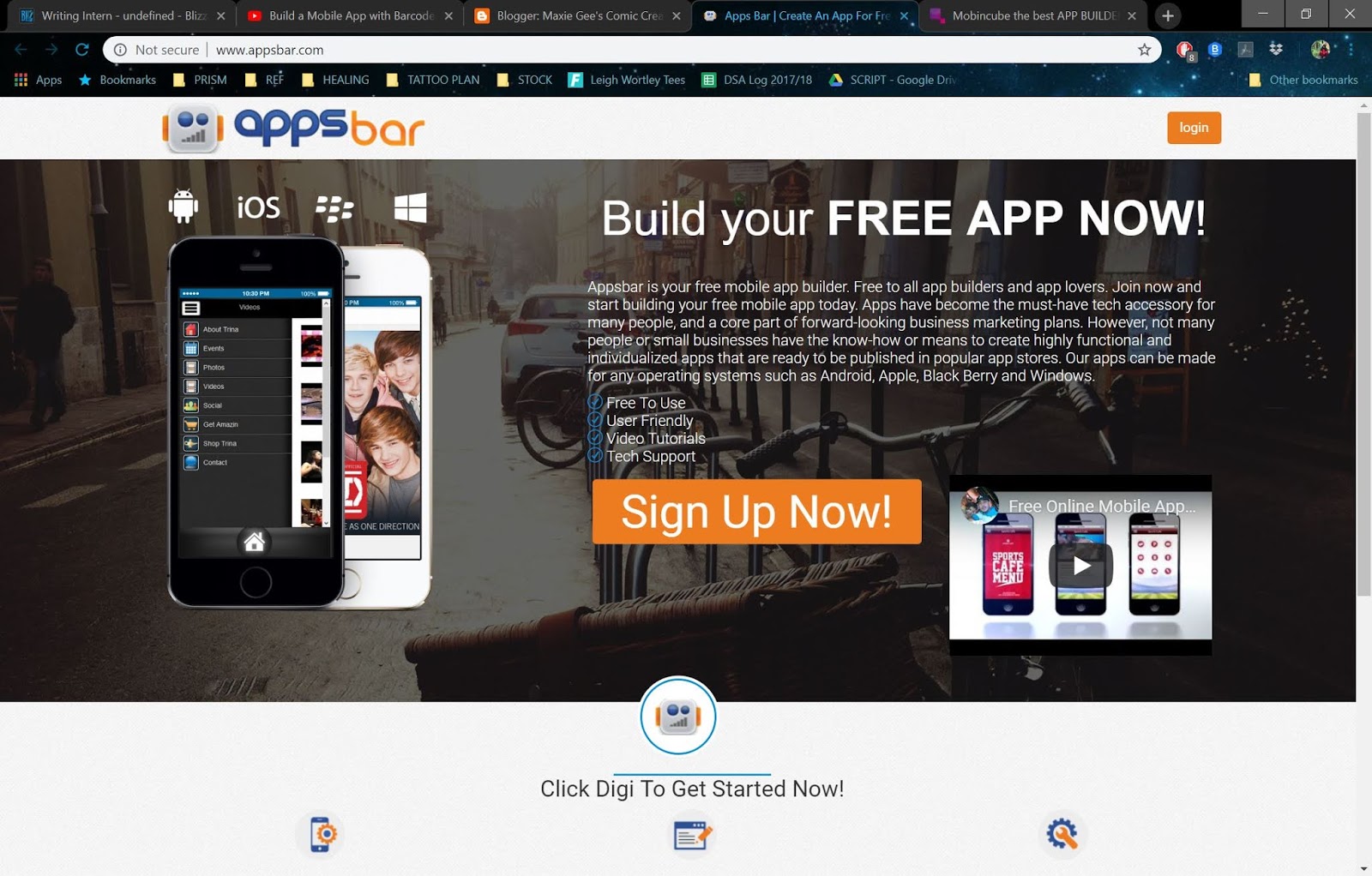
I decided the only way to truly know if I was going to get along will an app building client would be to try it out. So this is what I did for a few options...

AppShed:-
- For educational purposes
- Can be paid for to remove ads from app
- Just... Doesn't work. There's literally no clear way to make it work
AppsBar:-
- Quite easy to use
- Just doesn't offer the options I need

Mobincube:-
- Definitely the easiest to use.
- Some really nice options for templates
- Just didn't have what I needed

This was really far less useful than I thought it would be, and I'm sort of stuck now. Because of this, I'm just going to take some time to go through the options and try again...

App Building - Failed Attempt Through AppyPie

From my research earlier on in the project, I have been lead to try app building through 'appypie'. This is because it's free, fairly basic and includes possibility for a QR scanner. I will test this now and see how it goes.


Fifteen minutes into testing this site, I was forced to give up. Not only was it really user unfriendly (a lot of the colour pickers and selection tools didn't work), but it also kept giving stress-inducing countdowns to upgrade to a better (paid) version.